
 James
James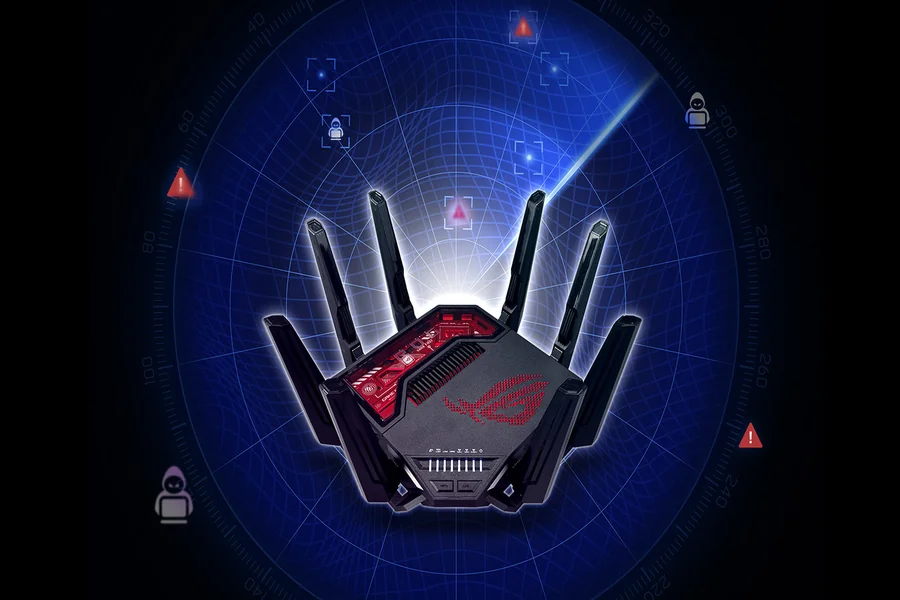
I’m a passionate gamer and could easily beat my friends with my eyes closed. Well, that was before my internet connection started acting up. After that, I had been on a frustrating losing streak for a couple of months.
Honestly, it was fun to see my friends finally beating me in Rainbow Six Siege. However, it frustrated me to the core when they started questioning my skills, and that is when I decided to fix my internet.
It took me some time, but I was fixated on restoring my honor. And I finally managed to fix my internet connection once and for all. I’ll share a few ways to help you create a perfect connection for gaming.
So, if your gaming buddies have ever mocked you, read on, because now is the time to take revenge.
Now, let’s get started!
Choose A High-Speed Connection
Ideal speeds for gaming depend on the type of internet connection you opt for. Previously, I had subscribed to a cable provider. It catered to my household’s needs, such as streaming and downloading, but couldn’t support bandwidth-heavy games like Rainbow Six Siege or Call of Duty.
So, as I was exploring different connection types, I found multiple 5G home Internet providers in my area. Since they offered high-speed plans at affordable rates, 5G home internet seemed like the perfect connection for my gaming needs.
Now, it’s been a while since I subscribed to a 5G home connection, and I have rarely experienced any slowdowns. It keeps the latency to a minimum and offers more bandwidth, which eventually improves my gaming experience.
Having said that, fiber internet was another option I wanted to opt for. It offers symmetrical speeds, i.e., similar upload and download speeds, and is the fastest internet connection type yet. However, it’s expensive and has limited availability, which is why I opted for 5G home internet.
So, in short, watch out for your internet connection, because it’s a key factor in deciding your internet speeds.
Placement of Your Router
The placement of your router becomes incredibly important when you’re not using a wired connection. In wireless connections, routers are a crucial piece of equipment, and can affect your internet speeds.
Routers play a key role in transferring internet signals to your connected devices. The internet signals move via radio waves and can easily be interrupted by thick walls or heavy furniture. Other appliances emitting radio waves, like baby monitors, security cameras, microwave ovens, refrigerators, etc., can also create obstacles for internet signals.
So, I’d suggest you always place your router away from these objects. This way, the internet signals won’t collide with other objects or deviate from their path. And ultimately, it won’t slow down your connection’s speed as well.
Use an Ethernet Connection
I was never really a big fan of Ethernet cables. Besides creating a mess, they can limit movement. However, considering how they can amp up your internet speeds for gaming, I believe there’s no better alternative to using a wired connection.
When you connect one end of the cable to your device and the other end to the router, the internet signals move through it. Ultimately, it eliminates the need to ideally place your router, which is great for console and PC gaming.
Since internet signals don’t move through the air, an Ethernet connection can significantly reduce the external interference from other objects such as walls, furniture, or other electronic devices.
So, with an Ethernet cable directly connected to your console, you can experience faster internet speeds, which can ultimately improve your gaming experience.
Optimize Your Router
I get that you might not want to limit your mobility with an Ethernet connection. If that’s the case, I’ll also explain how you can optimize your router for the best gaming experience.
Like most electronic devices, routers receive frequent software updates. These contain security patches, bug fixes, or new features, which are crucial for the efficient working of routers.
I suggest you check for these updates once a month and install them. Also, keep in mind that outdated routers might not receive updates. An ideal lifespan of most routers is around five years. If your router is older than that, it’s best to replace it with one that offers a Quality-of-Service (QoS) feature.
With it, you can prioritize your connection’s bandwidth for important tasks, such as gaming. This way, your router will always provide ample bandwidth to gaming, while decreasing it for unimportant tasks.
Frequently Asked Questions
Can my device’s settings affect my gaming experience?
Yes, if your device does not meet the game’s requirements, then it might lag or disconnect. In some cases, it might not even connect to the game servers.
Can I play online games on cable internet?
Yes, you can play online games on cable internet. However, since cable internet users in an area have shared bandwidth, you might experience slowdowns during peak hours.
