
 James
James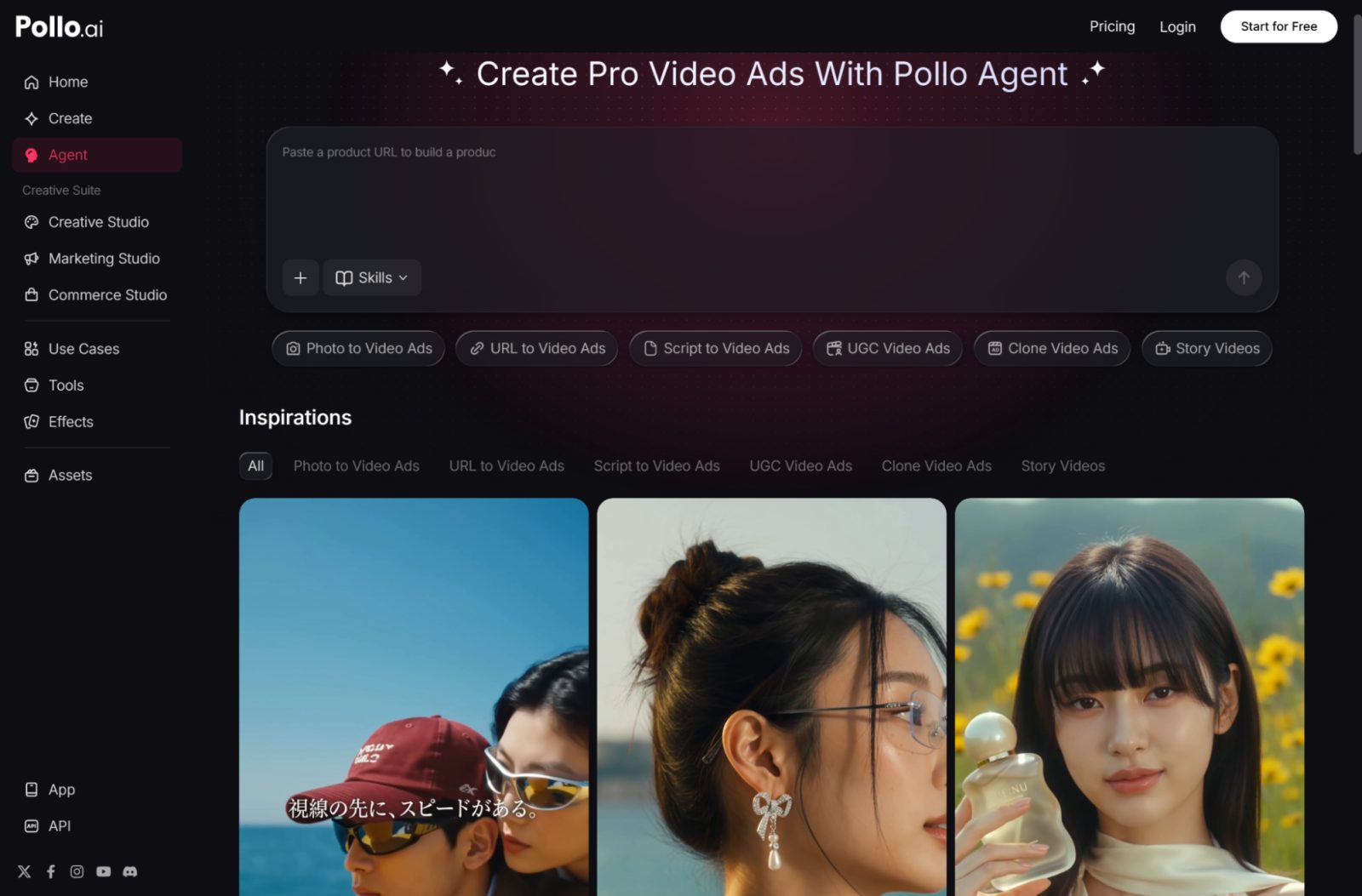
Small business owners rarely have a video production team on standby. Most of the time, it’s one person juggling product photography, ad copy, customer service, and — somewhere at the bottom of the list — the “we really should make a video for this” task that keeps getting pushed to next week.
That gap is exactly why AI-driven video creation has become one of the fastest-growing categories in marketing tech over the past two years.
Why More Marketing Teams Are Turning to AI Video Agents
The promise of these tools is simple: describe what you need, feed in a few product shots, and walk away with a usable ad instead of a blank timeline. In practice, most generators still stop at “here’s one clip” and leave the rest of the work — sequencing, pacing, matching your brand’s look — to you.
That’s the gap Pollo AI has been building toward with Pollo Agent . Instead of producing a single isolated clip, Pollo AI’s agent takes a brief, pulls in your existing assets, and assembles a finished video without you having to manually chain together five different apps. For SMB teams that don’t have a dedicated editor, that kind of end-to-end handling is often the difference between a video campaign that actually ships and one that stays a Slack message forever.
The Real Bottleneck Isn’t Generation, It’s Assembly
It’s worth being honest about where AI video tools actually save time. Generating a single clip from a text prompt is impressive, but it’s rarely the bottleneck for a real marketing campaign. The bottleneck is everything around the clip: reusing the same product photos across a dozen variations, keeping a consistent model or brand voice, matching pacing to a script, and exporting formats for different platforms.
This is where a lot of “AI video generator” tools quietly fall short — they’re great at producing one clip, then leave you to re-upload the same assets over and over for the next one. A more useful workflow treats your product images, character definitions, and previously generated clips as reusable building blocks rather than one-off uploads. That’s the direction Pollo AI has been pushing its Marketing Studio and Creative Studio toward, letting a product photo or a defined “character” asset get referenced again in a new scene instead of starting from zero each time.
Comparing Approaches: Assistants vs. Traditional Editors
It helps to separate the two broad categories of AI video tools SMBs run into.
The first category is the agent-style assistant, where you describe the outcome — “a 15-second UGC-style ad for this skincare product” — and the system handles sourcing footage, pacing, and voiceover. The second category is the AI-assisted editor, where you still do the timeline work yourself, but individual steps like clip generation, captioning, or voice cloning are automated. Tools like InVideo AI fall into this second camp, and Pollo AI actually gives you a direct on-ramp to it through its own InVideo AI integration: a familiar editor interface with AI shortcuts layered on top, suited to teams that already think in storyboards and want more control over each cut.
The trade-off is time versus control. An editor-style workflow is a good fit if you enjoy fine-tuning every transition and already have a script locked in. An agent-style approach is a better fit when you need volume — five ad variations for a product launch by Friday — and would rather review outputs than build them scene by scene. Neither approach is objectively better; it depends on whether your bottleneck is “we don’t have time to touch a timeline” or “we need precise creative control.”
Building a Workflow You Can Actually Repeat
Whichever tool category you lean toward, the SMB teams getting the most value from AI video share one habit: they stop treating every video as a fresh project. Instead, they build a small library of assets — brand-approved product shots, a defined “spokesperson” character, a couple of go-to scene templates — and reuse them across campaigns.
Platforms that support this kind of asset reuse cut a surprising amount of friction out of the process. Instead of re-uploading a product photo for the fifth time this month, you reference it directly, and instead of re-explaining your brand’s visual style in every prompt, you define it once and call it back in. This is a smaller detail than the flashy “generate a video from text” headline, but it’s usually what determines whether a team keeps using a tool past the first free trial.
Getting Started Without Overcomplicating It
If you’re testing AI video tools for the first time, resist the urge to start with your most complex campaign. Pick one ad format — a 15-second product demo, a UGC-style testimonial, a simple promo for a seasonal sale — and run it through end to end. Note where you had to re-upload something you shouldn’t have, where the pacing felt off, and where the output was genuinely ready to publish versus needing a manual touch-up.
From there, it’s much easier to decide whether an assistant-driven workflow or a traditional AI editor fits how your team actually works. Some SMBs land on a hybrid: agent-style tools for high-volume, lower-stakes ad variations, and editor-style tools for the handful of flagship campaigns that deserve frame-by-frame attention. Either way, the core shift worth paying attention to is the move from “generate one clip” tools toward platforms built around reusable assets and repeatable workflows — worth factoring in whichever tool you test first.
