
 James
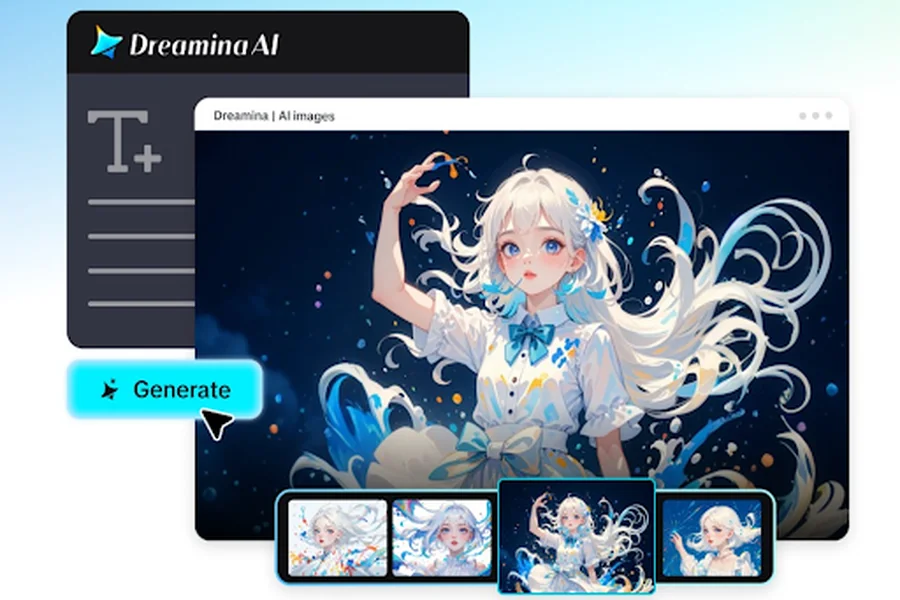
Monumental architecture, bustling marketplaces, maritime journeys, and ceremonial gatherings are compelling visual stories of ancient civilizations. Dreamina AI is a solution that enables creators to visualize historical moments without the need for sets or period costumes. It features video generation capabilities with detailed prompts, reference images, and iterative refinement. Browse through historic environments, imagine daily life, and create film sequences for educational or creative purposes. But to make a convincing re-enactment, one must do historical research and have imagination. History cannot be proven by visual realism alone, especially if the archaeology is incomplete or controversial.
- Start With Historical Research Before Building the Scene
- Reconstruct Ancient Environments With Detailed Visual Prompts
- How to reenact ancient eras with Dreamina AI text-to-video maker
- Six Historical Scenes That Can Bring Ancient Eras to Life
- Turn Historical Visualizations Into Coherent Sequences
- Maintain Historical Integrity While Using Generative AI
- Conclusion
Start With Historical Research Before Building the Scene
Start by stating the civilization, geographical location, and time period. Egypt of a specific dynasty is very different from classical Athens, the Roman Republic, or the Indus Valley Civilization. Conduct research on the archaeological finds, existing documents, interpretations, and material culture before composing writing prompts.
The AI video generator generation is more useful when the research guides the architecture, clothing, tools, pottery, transportation, and domestic objects. Distinguish between evidence and interpretation, particularly where there are gaps in the historical record. Determine the reason for your scene, such as a depiction of daily activities, trade, building, ceremony, or imaginative narrative based on historical facts.
Reconstruct Ancient Environments With Detailed Visual Prompts
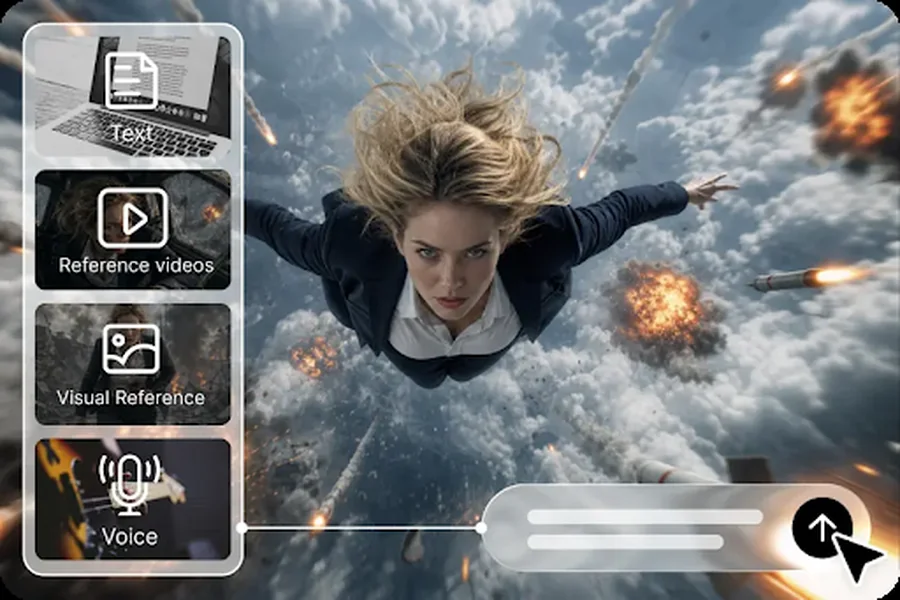
When prompts describe environments with physical properties and human activities well, Dreamina’s free text-to-video generator can visualize the environments that are researched. Indicate materials that have been used in the past (e.g., mudbrick walls, stone columns, timber buildings, courtyards, paved streets). Using references from the selected period, describe garments, woven fabrics, footwear, vessels, and accessories. Don’t mix civilizations or centuries because they look nice. Bustling activities of direct merchants setting up goods, artisans molding pottery, and travelers moving through courtyards. Include extra lighting, dust, weather, or firelight as per the setting. The scenes are believable due to particular environmental information, which can be used without entirely depending upon monumental architecture or dramatic cinematic effects.
How to reenact ancient eras with Dreamina AI text-to-video maker
Step 1: Access Dreamina AI and describe your historical scene
- Sign up or log in to Dreamina first to begin recreating ancient eras from text.
- Head to the “Create” tab in the left menu, then open the “AI video” option.
- Later, enter a detailed text prompt on how your historical scene should look and feel. Add details about video elements, sound, background, theme, and concept, like Roman armor and forums.
Step 2: Choose a model, set the screen size, and generate
- Afterward, choose a model from the options present at the bottom of the dialogue box.
- Select any of Dreamina Seedance 2.5, Dreamina Seedance 2.0, or Dreamina Seedance 2.0 Fast models. Dreamina Seedance 2.0 Mini, Dreamina Seedance 1.0, and similar options also suit historical scenes well.
- Click “Omni reference” to guide the AI with multiple costume reference images for accurate results.
- Choose the custom aspect ratio and resolution from the “Aspect ratio” and “Resolution” tabs here.
- Finally, click the “Generate” tab and watch the AI begin creating your ancient era video.
Step 3: Refine your reenactment and export
- If the era feels inaccurate, click “Edit prompt” or “Regenerate” to refine the results.
- You can edit the generated historical video using the “Edit video” option for finer details.
- Moreover, you can use “Edit segment” to edit only one part of the historical video.
- Use “Extend video” to stretch the battle or ceremony and show more of the era. Apply “Creative upscale” to improve your video quality and bring ancient textures into sharper view.
- Dreamina gives you complete freedom to edit your historical video exactly the way you like.
- Finally, click the “Download” tab in the top right corner of the Dreamina interface. This saves the video file on your local device for classroom or channel sharing later.
Six Historical Scenes That Can Bring Ancient Eras to Life
- Ancient Marketplace: Illustrate traders, pots, fabrics, basketry, and studied trading behaviors in historically and contextually appropriate environments.
- Monumental Construction: Imagine workers carrying materials and constructing structures via documented methods, explicitly stating uncertain parts of the reconstruction.
- Harbor and Maritime Trade: Present ancient ships, loading and unloading trade goods, dockside interactions, and shoreline communities as revealed by the archaeological record.
- Domestic Life and Craftsmanship: Re-enact pottery making, weaving, food preparation, and other documented household activities with appropriate tools.
- Ceremonial Gathering: Portray researched processions or civic assemblies, including clothing, architectural setting, and ceremonial relevance.
Turn Historical Visualizations Into Coherent Sequences
Create a sequence of events by zooming out from the city to a street scene, an artefact close-up, and a particular activity. Dreamina AI can be used to create unique clips that will depict various facets of the same historical context. Ensure all architecture, costumes, props, and lighting are consistent throughout the generated scenes, with reference images as necessary. Establishing shots convey a sense of scale, and tracking shots show activity on the street, while close-ups focus on craftsmanship. Include narration for dates, buildings, or recorded activities. Write correct captions for names and places. Environmental sounds can enhance the sense of immersion, such as footsteps, tools, water, market ambience, etc., but the generated sound should never be presented as valid ancient recordings.
Maintain Historical Integrity While Using Generative AI
AI-generated scenes may include contemporary-looking objects, weapons that don’t match the era, or clothing that is not appropriate for the time period, or architecture that doesn’t match. Check the significant visual information with reliable archaeological literature, museum archives, and scholarly sources. When evidence is incomplete, state that so and do not speculate as if it were known. Do not present ancient societies as being simply other worlds of temples, warriors, monumental stone buildings, etc. Investigate regional variations, timelines, cultural activities, and differences between the everyday life of ordinary people and the activities of elite ceremonies. Review dates, captions, narration, and visual continuity before publishing educational videos. Subject-matter feedback can help to detect errors which may be hidden by cinematic realism.
Conclusion
By utilizing detailed prompts, reference guidance, cinematic composition, and iterative editing, Dreamina AI empowers creators to delve into ancient civilizations. These capabilities can be used to support educational visualizations, historical storytelling, and creative previsualization without the need for elaborate physical production. But with the imagery comes no automatic historical accuracy. Research, chronological accuracy, cultural context, and careful review are crucial throughout the creative process. Be able to differentiate between documented evidence and plausible interpretation, particularly when historical records are lacking. When built responsibly, Dreamina AI can help make old environments more accessible while still maintaining a distinction between knowledge and imagination.
