
 James
James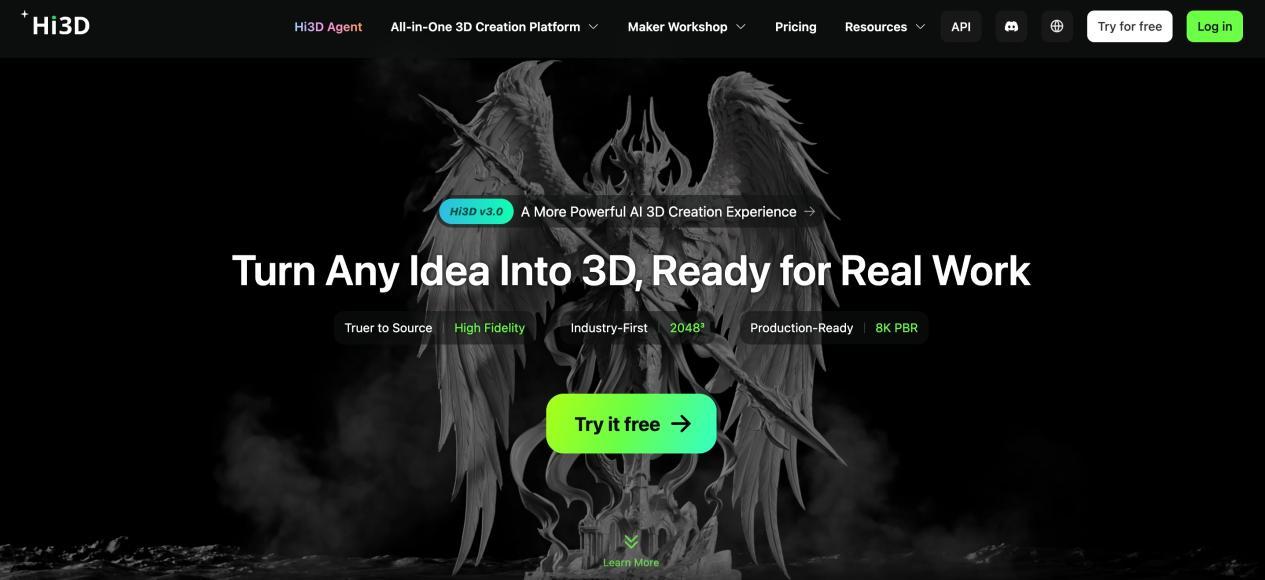
What Can You Do With an AI 3D Model Generator? Exploring the Capabilities of Hi3D
The idea of creating a 3D model with AI may have sounded unrealistic just a few years ago. Today, AI 3D model generators are becoming increasingly accessible, allowing users to turn images and creative concepts into three-dimensional assets without building every part of the model manually.
This does not mean traditional 3D modeling is disappearing. Professional artists still need modeling software for detailed editing, precise topology, animation, and many other tasks. However, an AI 3D model maker can make the early stages of 3D creation much faster and give people without extensive modeling experience a more approachable way to experiment.
Hi3D is an AI-powered 3D creation platform that brings several of these capabilities together. Instead of focusing on just one type of generation, it provides tools for creating 3D models, generating visual concepts, producing reliefs, adding textures, preparing models for printing, and exporting assets in different formats.
So, what can an AI 3D model generator actually be used for? Here are some of the possibilities.
Turning Reference Images Into 3D Models
One of the most straightforward applications is converting a 2D image into a 3D model.
Imagine having a picture of a toy, a product, a character, or another object that you want to recreate digitally. With conventional modeling, the image would normally serve as a reference while the user manually builds the model.
Hi3D's image-to-3D tool provides an alternative. Users can upload an image and let AI generate a three-dimensional version of the subject. The platform supports JPG, PNG, and WEBP images, while multi-view generation can use two to four images to provide additional visual information. (hi3d.ai)
This can be useful even when the generated model is not intended to be the final asset.
For example, a designer might generate a rough 3D version of an idea and then refine it manually. A beginner might use the generated model to understand how a 2D design could translate into three dimensions. A 3D printing hobbyist might use it as a starting point for a printable object.
The important point is that AI can handle part of the initial modeling work, allowing the user to spend more time on refinement and creative decisions.
Exploring Ideas Before Building Them
Not every creative project starts with a finished reference image.
Sometimes the starting point is a sentence.
You may have an idea for a fantasy creature, a futuristic vehicle, a stylized character, or a piece of decorative artwork without having a visual reference yet. In this situation, an image-generation tool can help turn an abstract idea into something concrete.
Hi3D provides text-to-image capabilities that allow users to describe what they want and generate visual content that can then serve as a creative reference. Reference images can also be incorporated into the creative process. (hi3d.ai)
This can make the brainstorming stage much more flexible.
Instead of spending a long time trying to visualize an idea in your head or searching for a reference that matches exactly, creators can generate several possibilities and decide which direction they want to explore.
For a 3D workflow, this can be especially useful because visual exploration can happen before detailed modeling begins.
Creating More Detailed 3D Assets
An AI-generated model does not always need to be simple.
For projects where surface detail matters, Hi3D's V3.0 generation model provides a higher-resolution option. According to Hi3D's product information, V3.0 supports 2048³-level geometric generation and 8K PBR textures. The system is designed to capture fine structural details and surface information, including small patterns and text. (hi3d.ai)
This can be relevant to detailed figures, product concepts, collectibles, decorative objects, and digital assets that may be viewed from relatively close distances.
Of course, higher resolution is not automatically necessary for every project. A quick concept model and a detailed production asset have different requirements.
The ability to choose different generation options allows users to consider the balance between quality, processing requirements, and the intended use of the model.
Giving 3D Models a Different Look
A model's geometry is only part of its visual identity.
Consider a character model. The same geometry could be presented as a realistic character, a stylized figure, a toy-like object, or an artistic interpretation simply by changing its surface appearance.
Hi3D includes a stylized texture function that works as an AI 3D texture generator, which can be used to generate or modify textures for 3D models. This allows users to explore different visual styles without rebuilding the underlying geometry. (hi3d.ai)
This separation can be helpful during experimentation.
A creator might first focus on getting the basic shape right and then work on its appearance afterward. If the first texture does not fit the concept, another visual direction can be explored without starting the entire modeling process again.
For digital content creators, this can provide an additional layer of flexibility when developing characters, objects, or other assets.
Turning Artwork Into 3D Reliefs
AI 3D tools are not limited to making fully three-dimensional objects.
Another interesting application is turning flat artwork into 3D reliefs.
A relief adds varying levels of depth to a primarily flat design. This technique has been used for decorative artwork, plaques, signs, ornaments, engraving, and other physical products.
Hi3D offers a 3D relief generation feature that can transform an image into a relief model. Depending on the workflow, the generated result can be exported in formats such as STL, GLB, 3MF, PNG, and EXR. (docs.hi3d.ai)
This creates interesting possibilities for people working with 2D artwork.
For example, an illustration can potentially become a raised decorative piece, while a logo can be developed into a physical sign or plaque. Instead of manually creating the depth structure from scratch, AI can provide a starting point that can be adjusted for the intended application.
The feature therefore connects digital artwork with physical production in a different way from conventional image-to-3D generation.
Making Large Models Easier to Print
A 3D model can look perfect on a computer screen and still be inconvenient to print.
One common problem is size. A large object may simply be bigger than the available print area. In that situation, the model needs to be divided into smaller pieces.
Hi3D provides a model-splitting feature designed to address this issue. It can divide a model into separate parts and generate connection structures that help the pieces fit together after printing. (hi3d.ai)
This can be useful for large figurines, sculptures, props, and other physical objects.
The automated approach can reduce some of the repetitive work involved in deciding where to separate a model and how its components should connect.
Users can then review the resulting pieces and continue preparing them for their particular printer and materials.
Preparing Models With Multiple Colors
Color is another consideration when a digital model is going to become a physical object.
A multi-color design may contain many different regions that need to be handled separately during printing. Manually identifying these areas can take time, particularly when the model contains complicated patterns.
Hi3D includes a multi-color printing function that can recognize different color regions and boundaries. The feature also allows users to control the number of colors used for the model. (hi3d.ai)
This can be useful for colorful characters, decorative models, signs, toys, and other objects where the color design is an important part of the final result.
AI-assisted color processing does not remove the need for users to check their printing settings, but it can make the preparation stage more convenient.
Exporting Models for Different Workflows
There is no single file format that works perfectly for every 3D project.
Someone preparing a model for 3D printing may prefer a format such as STL or 3MF. A digital artist or developer may instead need OBJ, FBX, or GLB depending on the software being used.
Hi3D supports a range of commonly used formats, including STL, OBJ, GLB, FBX, USDZ, and 3MF, although the available formats depend on the specific function and generation workflow. (docs.hi3d.ai)
This means that users can take the generated content into other applications rather than treating the AI platform as the final destination.
That flexibility matters because 3D creation rarely happens entirely inside one program. A model may move from generation to editing, texturing, rendering, animation, slicing, or manufacturing preparation before the project is finished.
Using AI 3D Generation in Different Creative Fields
The potential applications of AI 3D generation extend beyond individual hobby projects.
3D Printing
For 3D printing enthusiasts, image-to-3D generation can provide a convenient way to create starting models. Features such as model splitting and multi-color preparation can also help with more complicated printing projects.
Game Development
Game artists can use AI-generated models as early-stage assets or references. The generated geometry can provide a foundation that artists further optimize and adapt to the requirements of their projects.
Product Design
Designers can use AI to quickly explore the three-dimensional possibilities of an idea. This can be useful during the concept stage, when testing several directions is often more valuable than perfecting a single design immediately.
Digital Art
Artists working with characters, sculptures, and stylized objects can experiment with different combinations of geometry and textures.
Education
For students learning about 3D design, AI generation can provide a more accessible entry point. Instead of spending their first lessons learning every modeling command, they can experiment with visual references and then study how the resulting models are constructed and refined.
These applications are not identical, but they share one common idea: AI can reduce some of the manual work involved in getting from an idea to a usable 3D asset.
AI Does Not Have to Replace Traditional 3D Modeling
It is easy to describe AI 3D generation as a replacement for traditional modeling, but that is not necessarily how creators need to use it.
Professional 3D workflows often require detailed control over topology, dimensions, materials, rigging, animation, and other technical properties. AI generation may not address every one of these requirements.
Instead, it can work as another tool in the workflow.
A creator might use AI to produce an initial model, inspect the result, make manual changes in another application, and then return to other tools for rendering or manufacturing preparation.
This hybrid approach can be especially useful when speed matters during the early stages of a project.
Why an All-in-One Platform Can Be Useful
One challenge with digital creation is having to move between too many separate tools.
A creator might need one application to generate an image, another to create a 3D model, another to modify its texture, and additional software to prepare the model for printing.
Hi3D brings several of these functions into one platform. Users can start with image-based 3D generation, explore visual concepts, work with textures and reliefs, prepare models for printing, and export their results for further use.
For developers and businesses, Hi3D also provides API access to several of its 3D capabilities, including image-to-3D, relief generation, model splitting, and multi-color generation. This makes the technology potentially useful as part of larger software products and automated workflows. (docs.hi3d.ai)
A New Starting Point for 3D Creation
The most useful way to think about an AI 3D model generator may be as a shortcut to the first version of an idea.
Instead of beginning with a blank 3D workspace, creators can begin with something they already understand: a picture, a visual concept, or an existing asset.
Hi3D supports this approach through a combination of AI 3D generation, visual ideation, texture creation, relief generation, model splitting, multi-color printing preparation, and flexible export options.
For beginners, these tools can make 3D creation feel less technically intimidating. For experienced creators, they can provide another way to accelerate experimentation and repetitive tasks.
The final result still depends on how the model is reviewed, edited, and used. But by moving some of the initial work into an AI-assisted workflow, creators can spend less time starting from scratch and more time deciding what they actually want to create.
That is perhaps the most interesting possibility of AI 3D generation: not simply making 3D modeling automatic, but making the distance between a visual idea and a three-dimensional object much shorter.
